Stop the Application
This option describes how to stop the OVOC server application.
| ➢ | To stop the application: |
| 1. | In the Application menu, choose option Stop Application. |
| 2. | You are prompted whether you wish to stop the OVOC server. |
Stop OVOC server
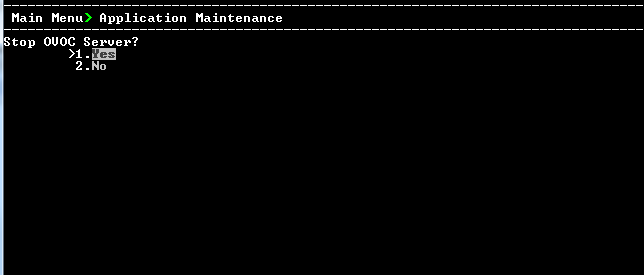
| 3. | Type 1 to stop the OVOC server. |